Automate Any Business Process Visually
Build powerful workflows with triggers, conditions, and actions — all without code.
Visual Workflow Builder
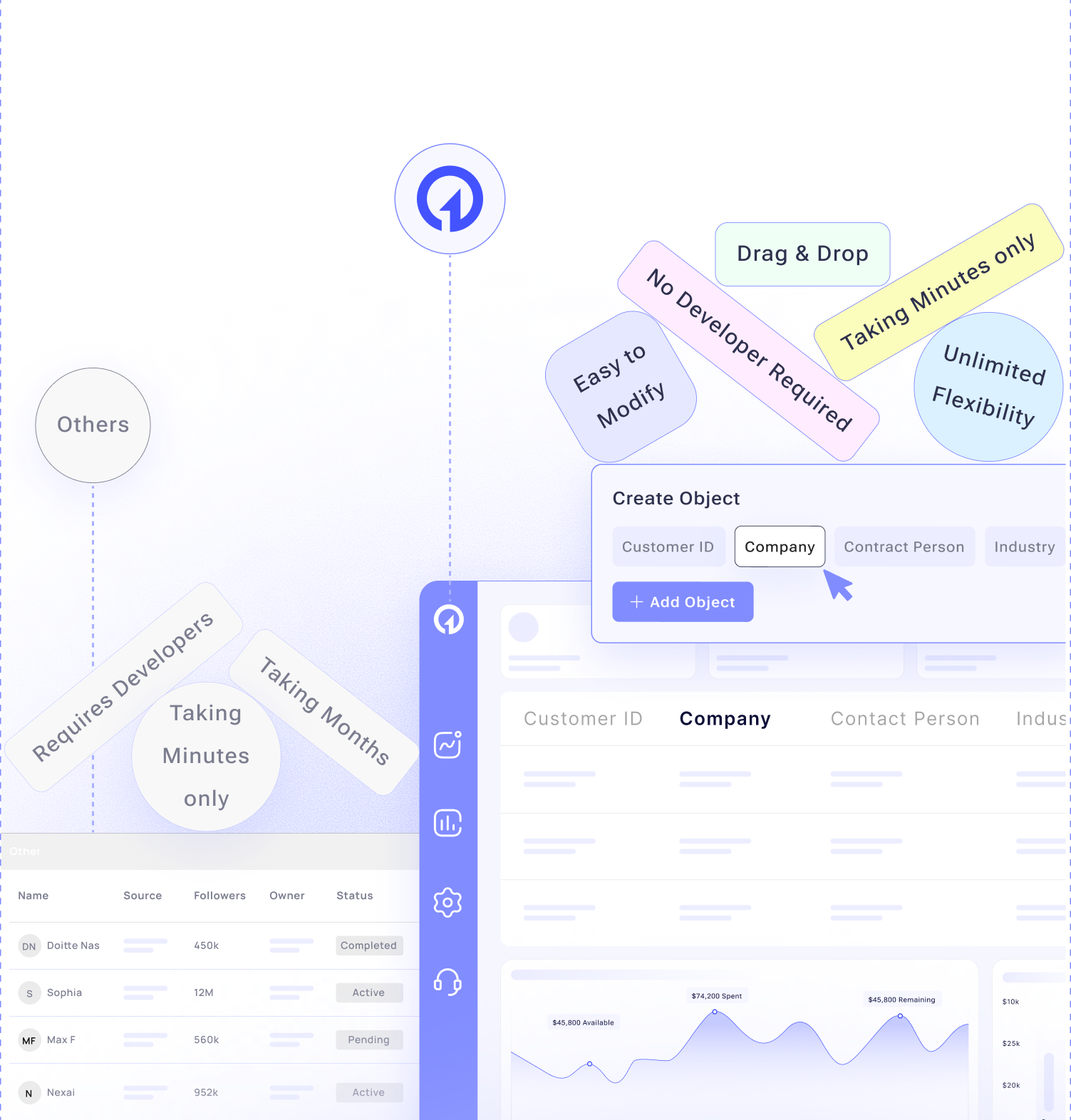
Traditional Approach
- Months of development time
- Expensive custom code
- Requires developers
- Difficult to modify
- Limited flexibility
Ektie's Approach
- Minutes to create workflows
- Visual drag-and-drop builder
- No code required
- Easy to modify
- Unlimited flexibility
Multi-Trigger Flows
External Triggers
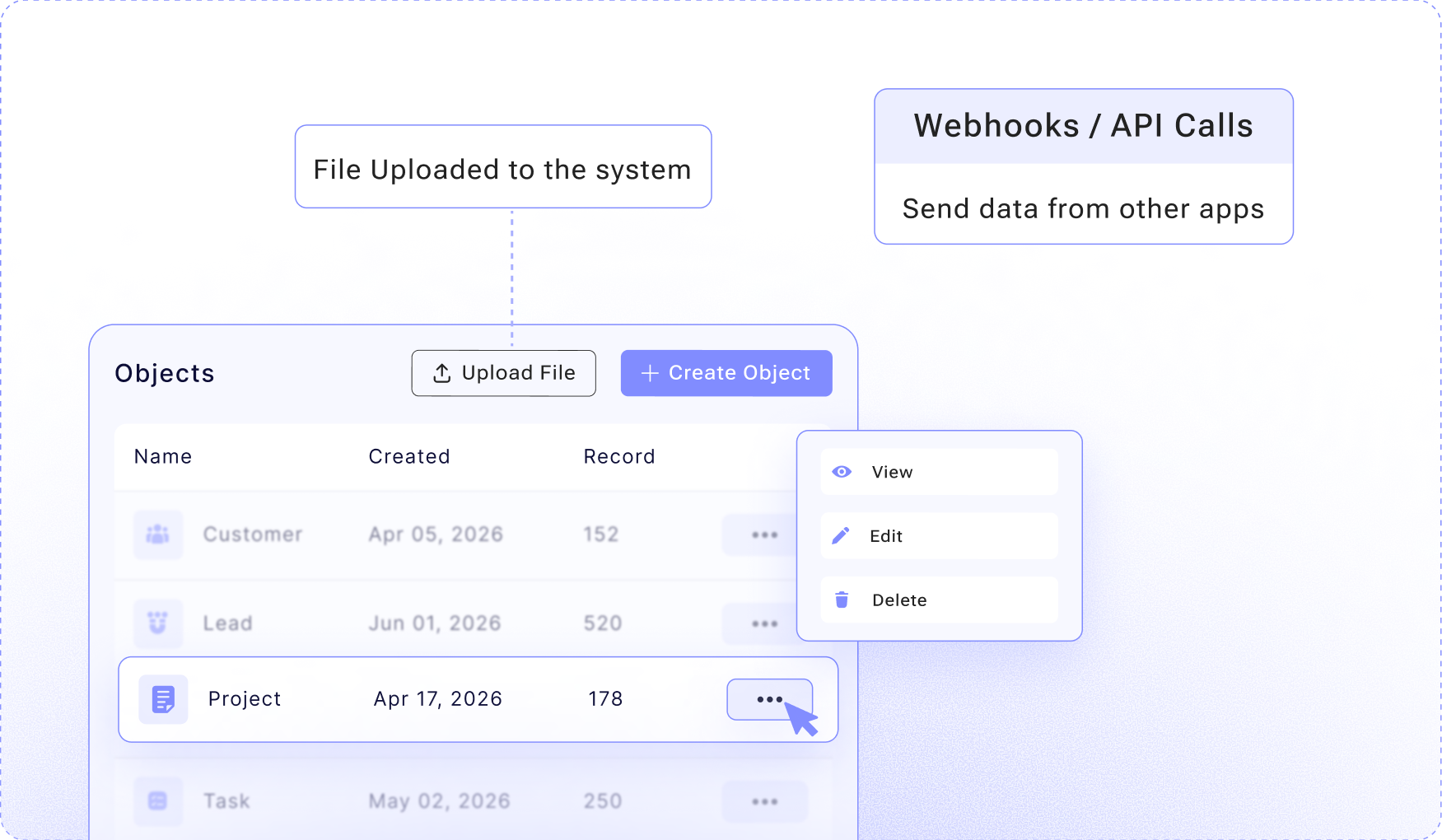
- Webhooks (receive data from external systems)
- API calls (trigger from external applications)
- Email triggers (incoming email processing)
- File uploads (process uploaded files)
- Form submissions
Event-Driven Triggers
- Object created
- Object updated
- Object deleted
- Field changed (specific field value changed)
- Status transition (moved to new stage)
Manual Triggers
- User-initiated processes
- Bulk operations
- Emergency procedures
- On-demand workflows
- Button-triggered actions
Time-Based Triggers
- Scheduled tasks (daily, weekly, monthly)
- Recurring processes
- Time-sensitive workflows
- Deadline-driven automation
- Scheduled reports
Visual Workflow Designer
This section provides a quick preview of key use cases, organized by the Three Core Business Phases and Initial Release Use Cases.
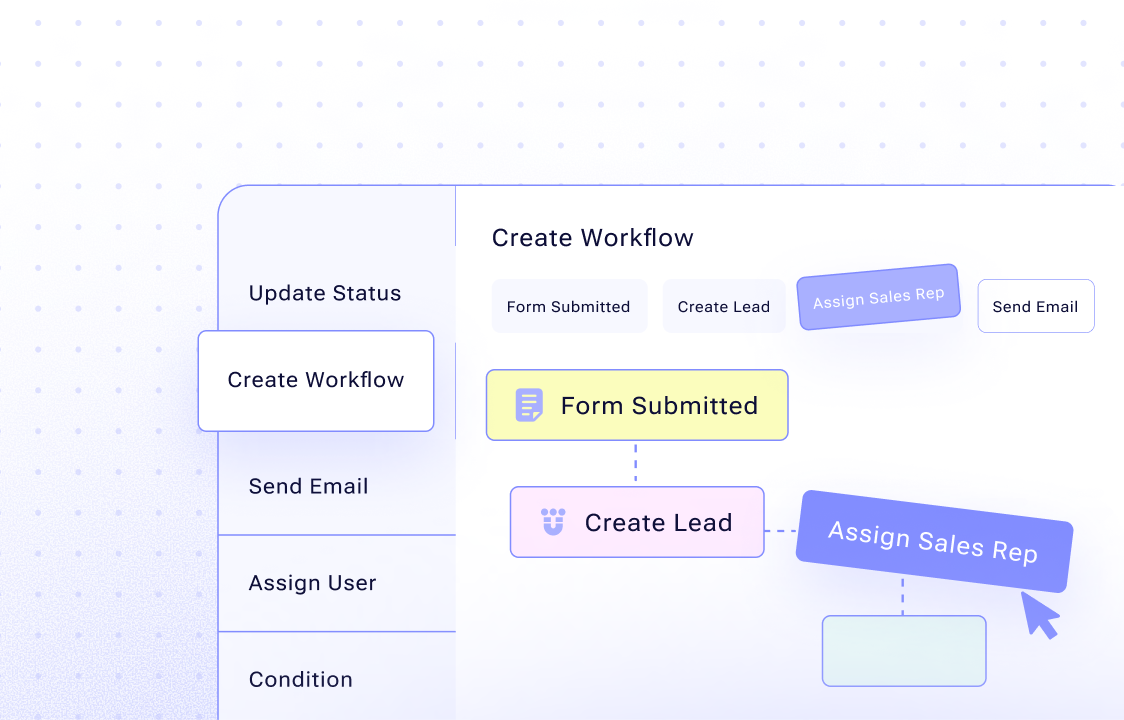
Drag-and-Drop Interface
- Visual workflow canvas
- Drag actions into place
- Connect actions with arrows
- See workflow flow visually
- Test workflows in real-time
Workflow Components
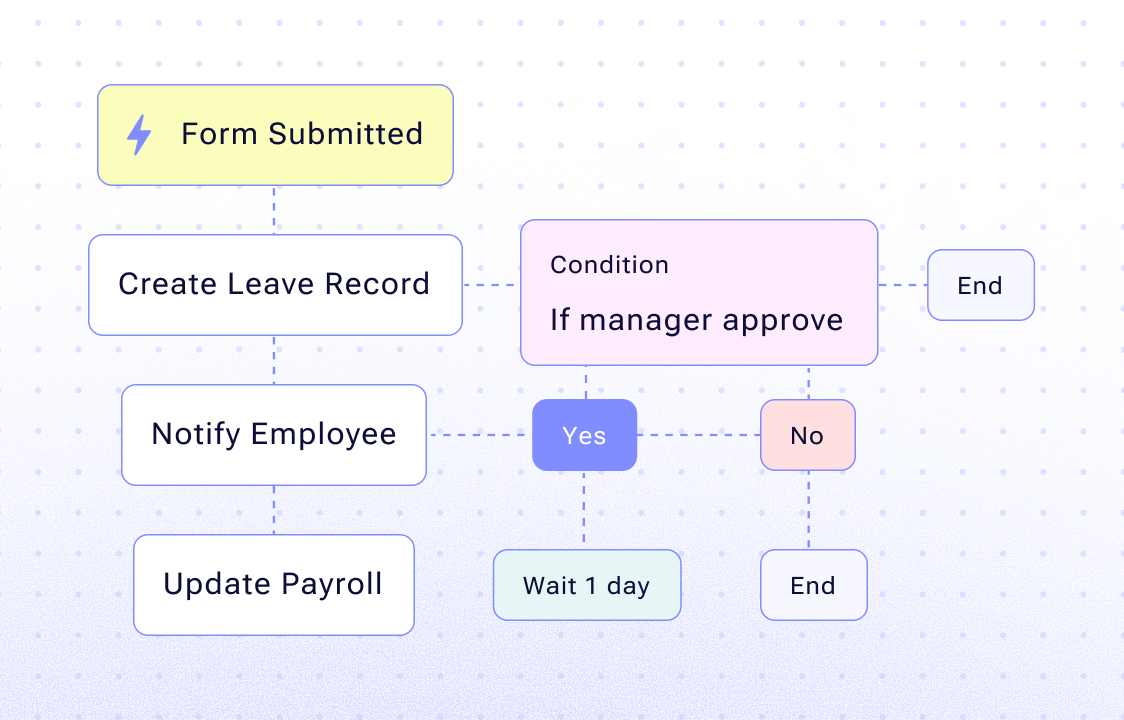
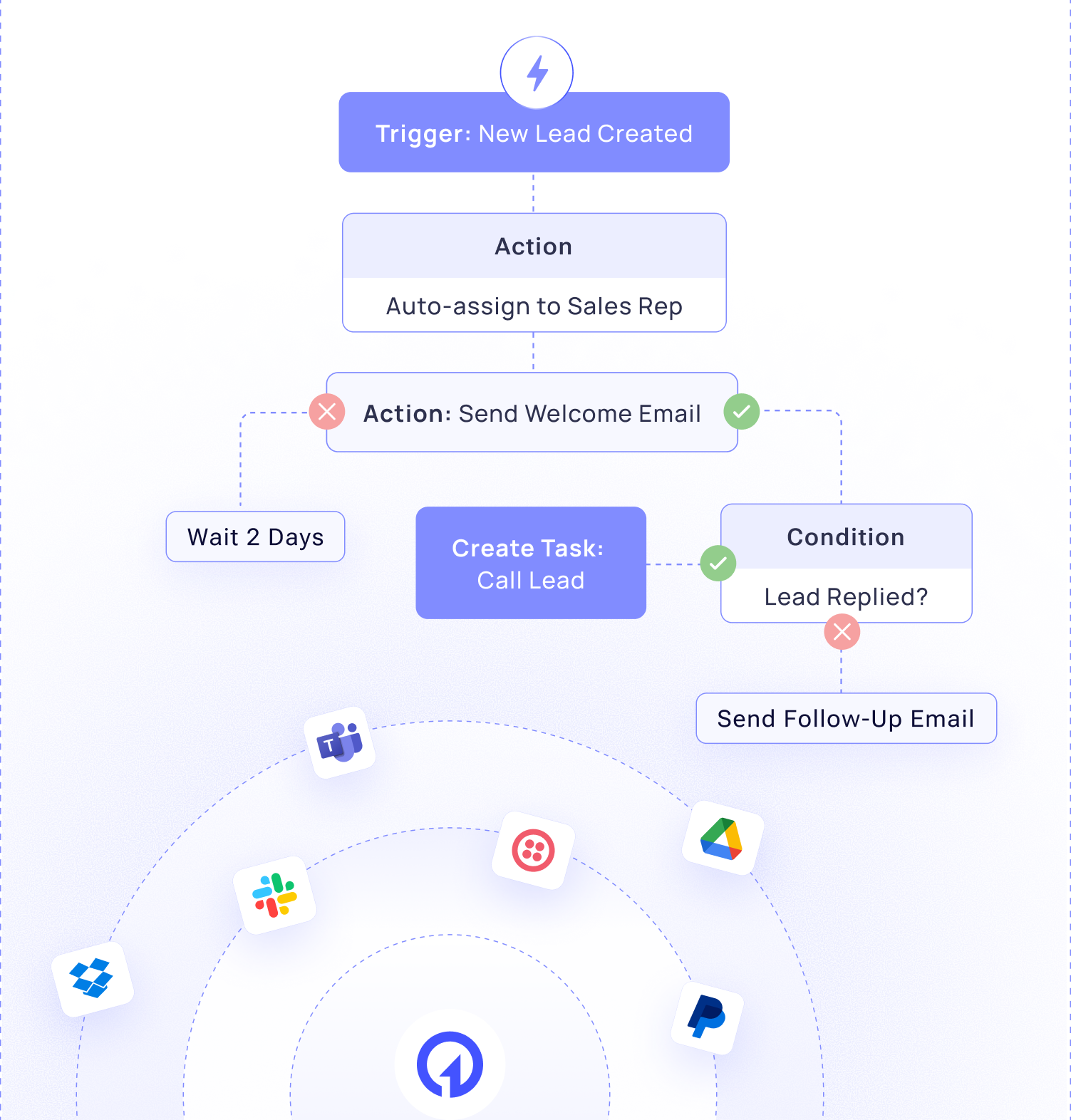
- Triggers: Start points for workflows
- Actions: Tasks to perform
- Conditions: Decision points
- Loops: Repeat actions
- Delays: Wait periods
- Parallel Paths: Multiple branches
- Sub-Workflows: Nested processes
Advanced Features
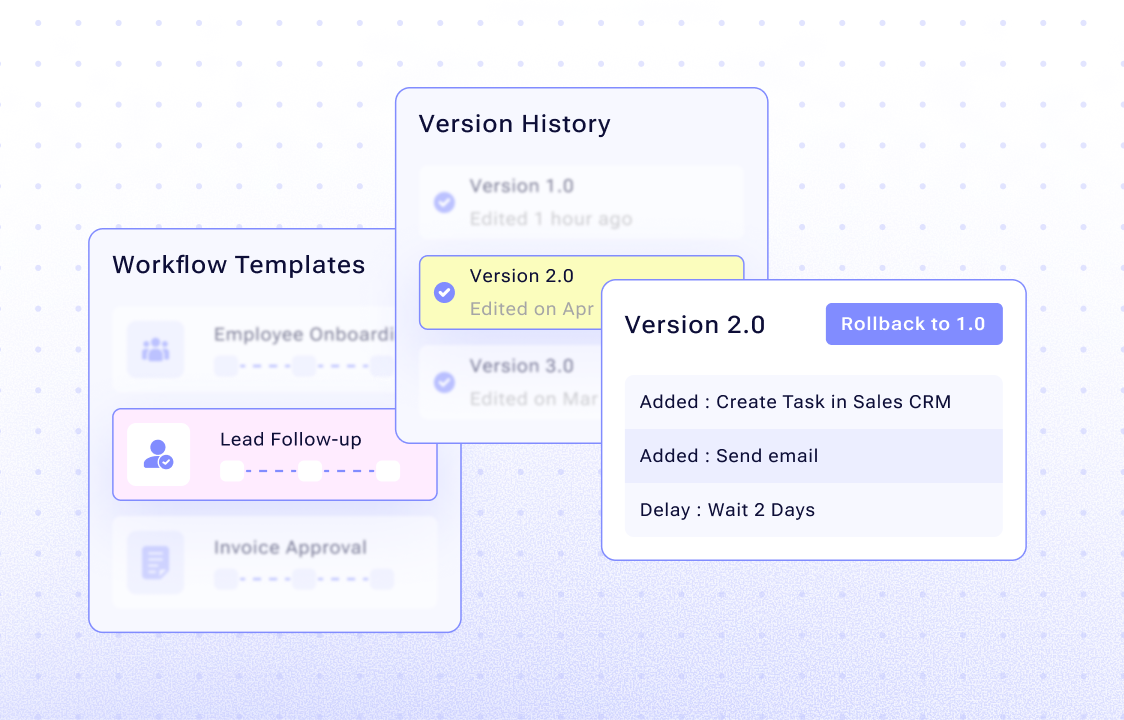
- Workflow templates
- Version control
- Rollback capabilities
- Testing and debugging
- Workflow analytics
Integration & External Systems
Control who can see and edit what data
Pre-Built Integrations:
- Email (Gmail, Outlook, SendGrid)
- SMS (Twilio, MessageBird)
- Payment (Stripe, PayPal)
- Communication (Slack, Teams)
- Storage (Google Drive, Dropbox)
- Analytics (Google Analytics, Mixpanel)
- 100+ more integrations
API Connections
- REST API calls
- GraphQL queries
- Webhook receivers
- Webhook senders
- Custom API integrations
Data Operations
- Create records in external systems
- Update external records
- Query external data
- Sync data bidirectionally
- Transform data formats
AI-Powered Automation
Track every change to your data
Content Generation
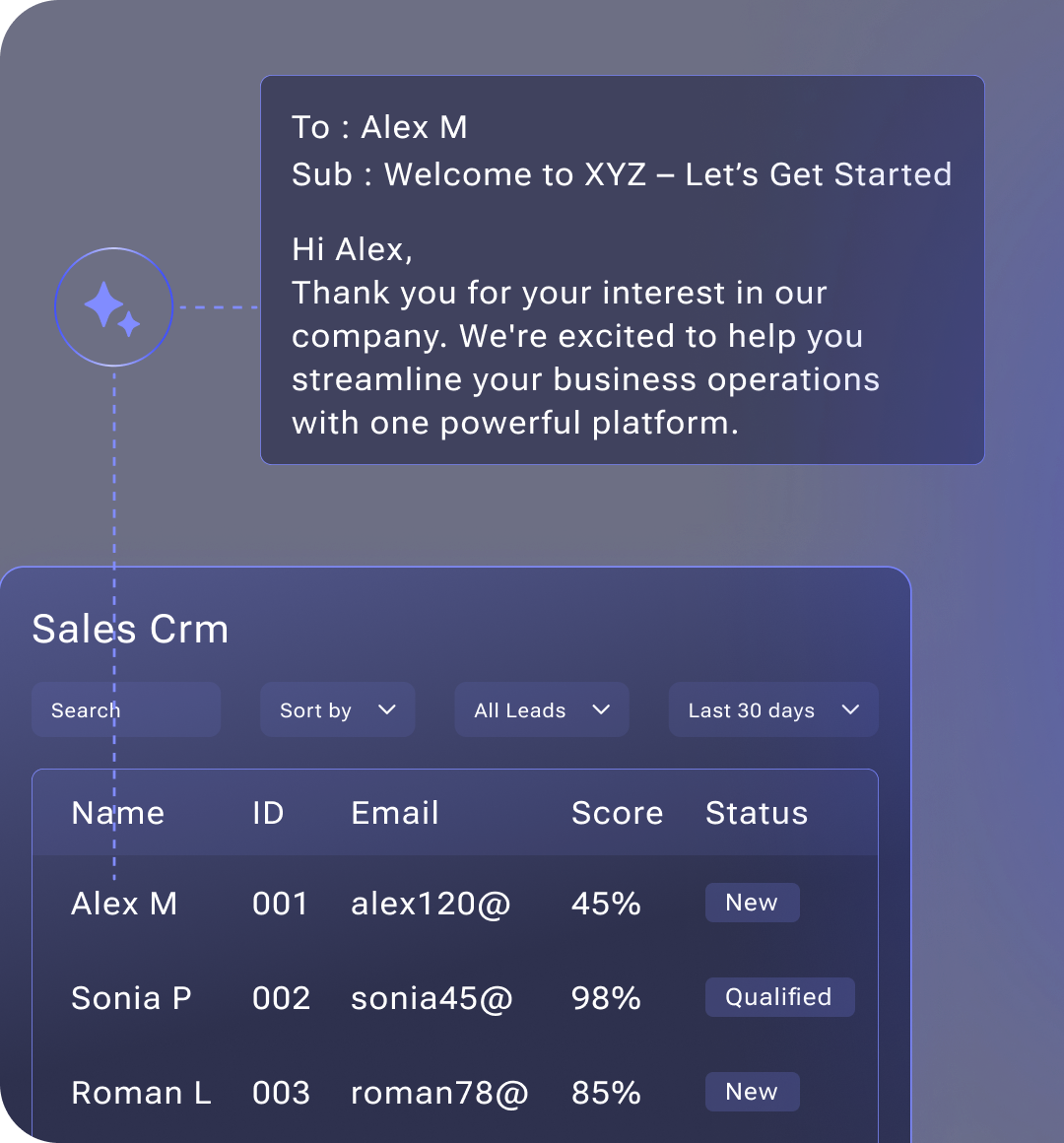
- Generate emails based on context
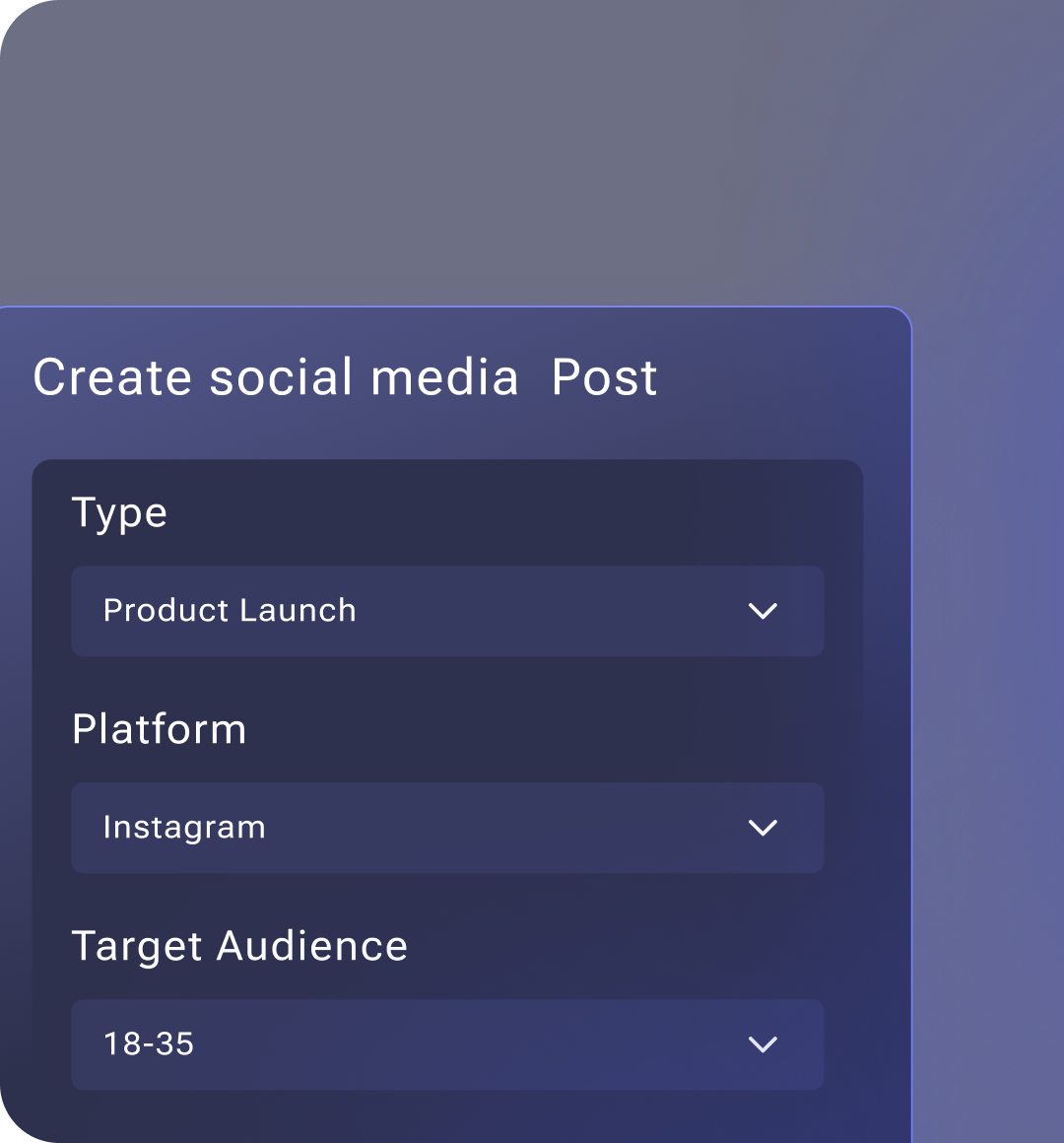
- Create social media posts
- Write documents and reports
- Generate proposals
- Create marketing materials
Data Analysis
- Analyze patterns in data
- Identify trends
- Predict outcomes
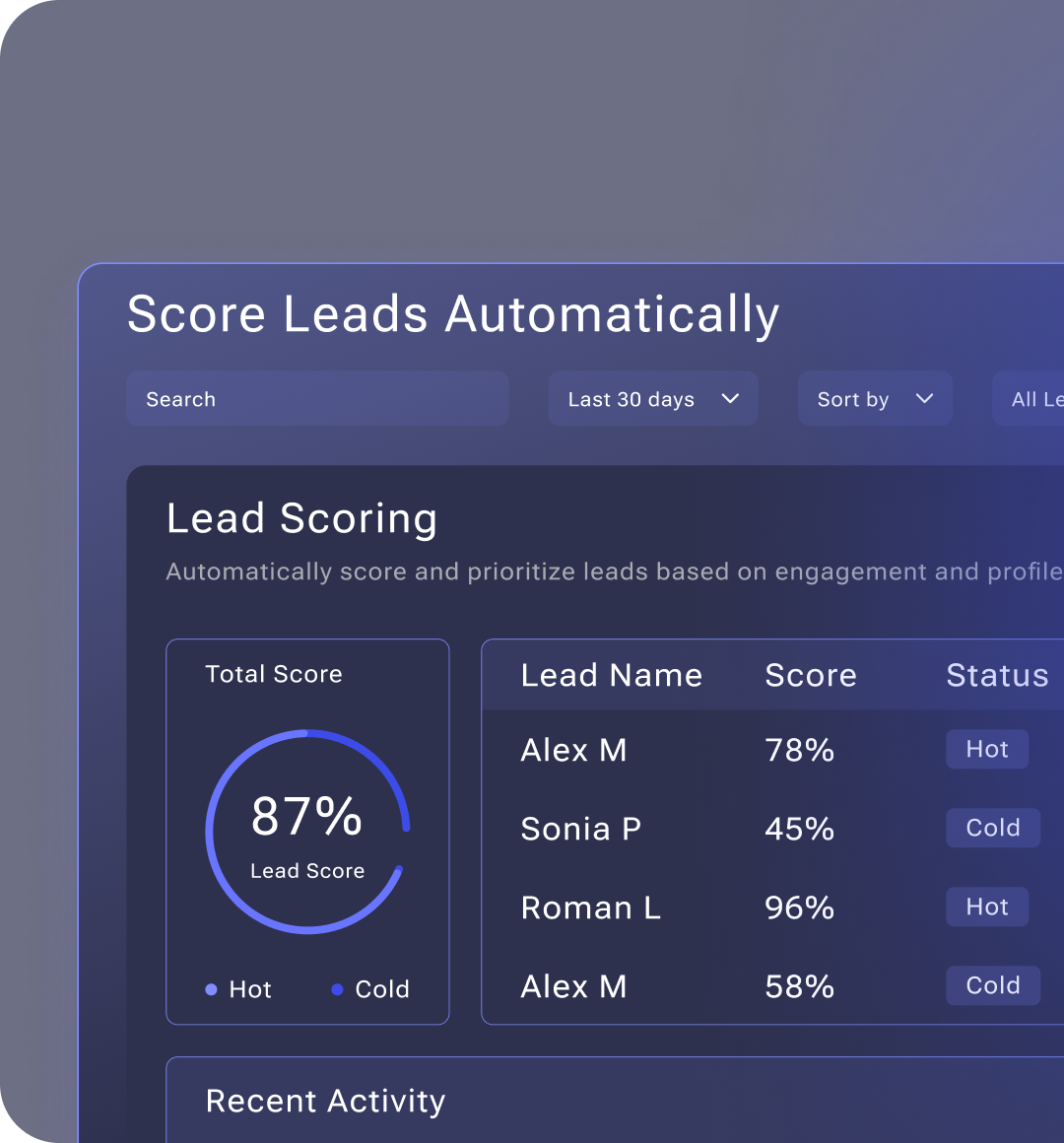
- Score leads automatically
- Classify records
Decision Making
- Route records intelligently
- Prioritize tasks
- Recommend actions
- Optimize processes
- Personalize experiences
Natural Language Processing
- Extract information from text
- Analyze sentiment
- Classify content
- Generate summaries
- Answer questions
Advanced Workflow Features
This section provides a quick preview of key use cases, organized by the Three Core Business Phases and Initial Release Use Cases.
Drag-and-Drop Interface
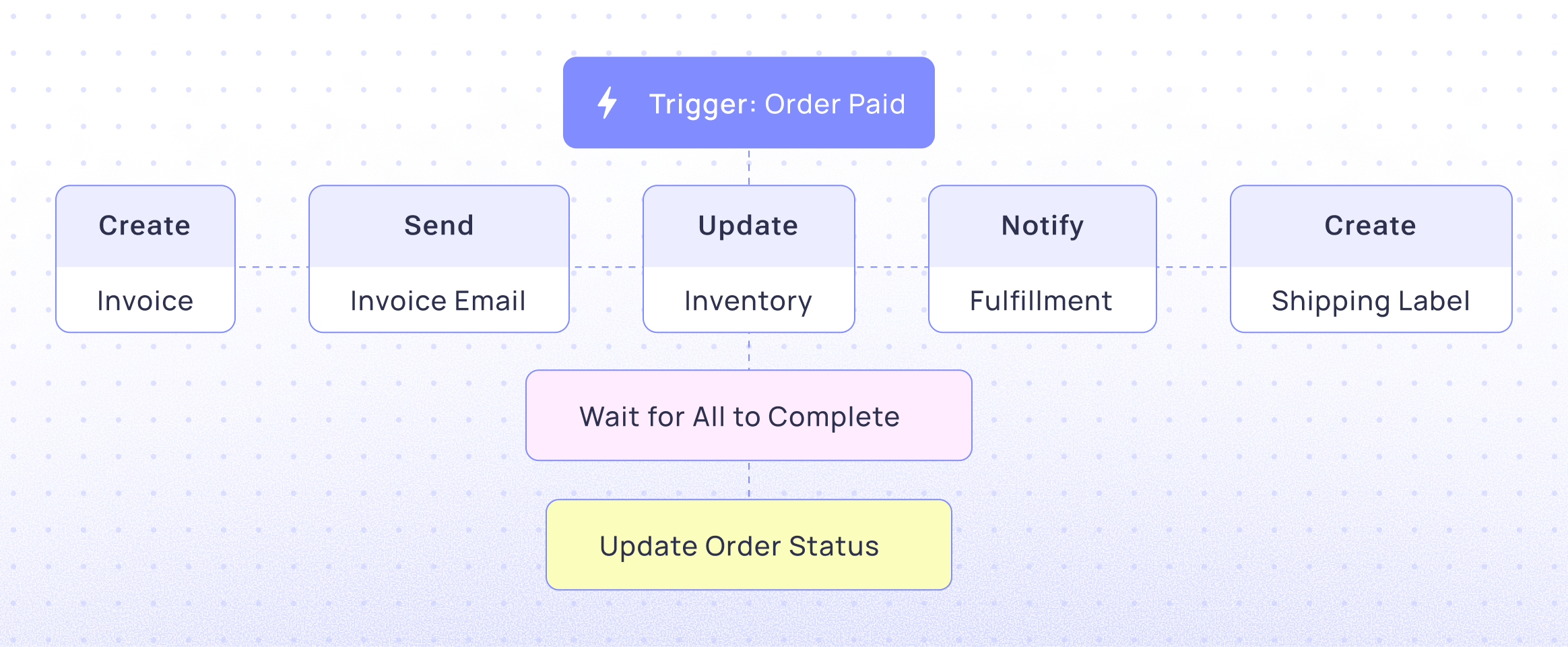
- Run multiple actions simultaneously
- Wait for all to complete
- Continue when any completes
- Handle errors gracefully
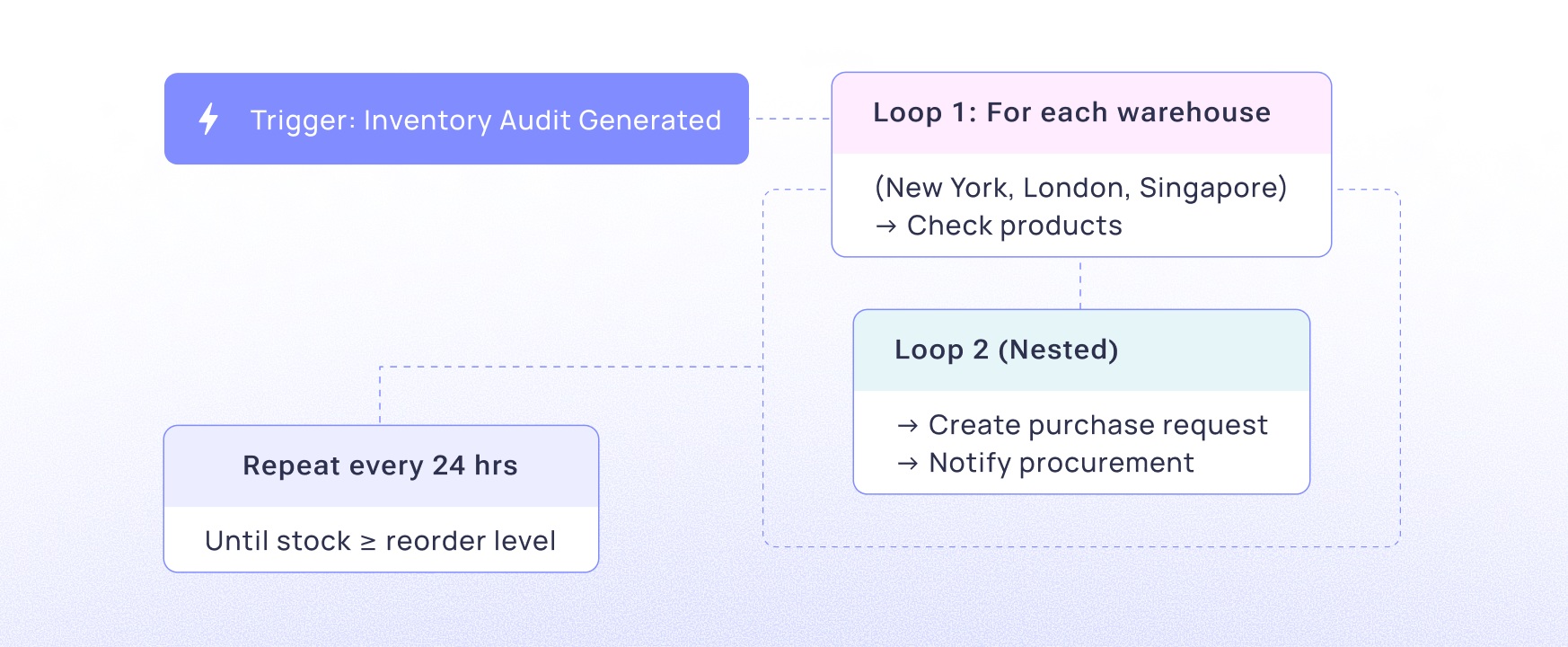
Loops
- Repeat actions for each record
- Process lists and arrays
- Iterate until condition met
- Nested loops
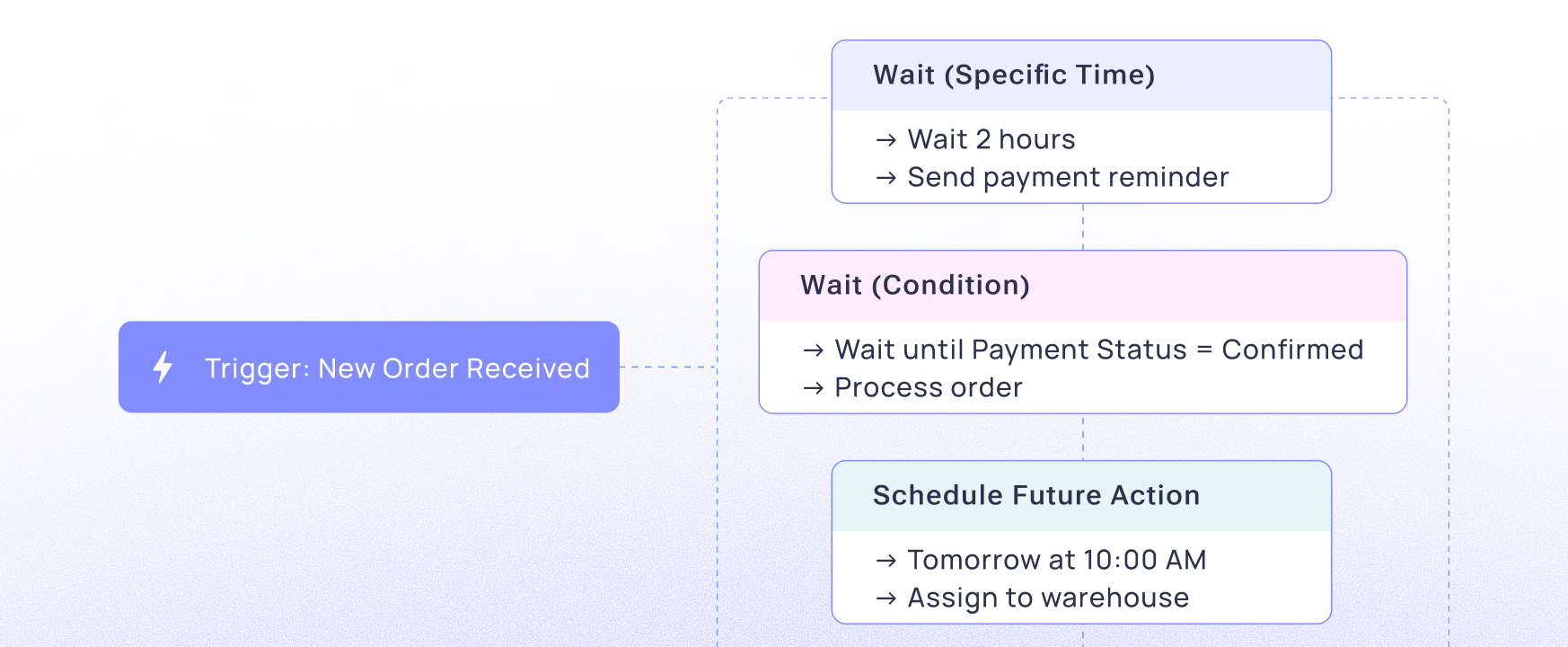
Delays & Scheduling
- Wait for specific time
- Wait for condition
- Schedule future actions
- Recurring schedules
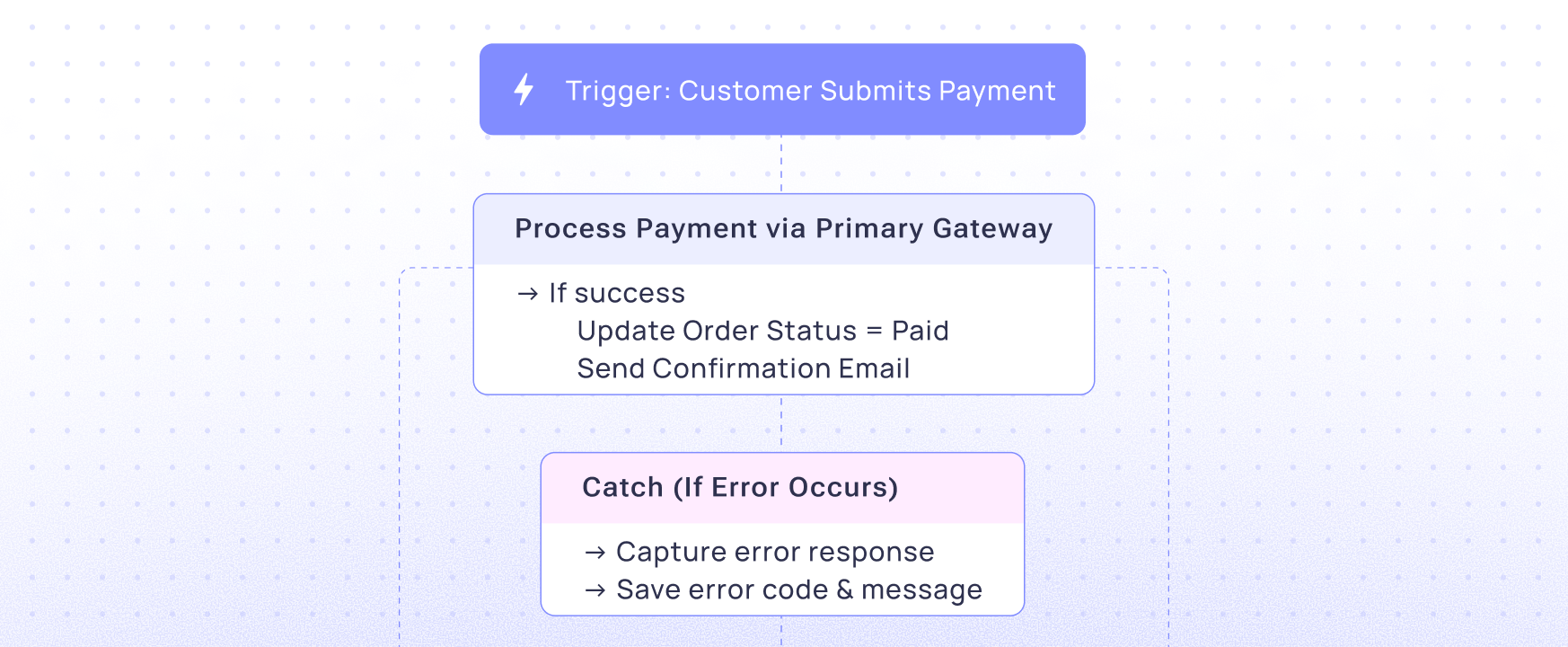
Error Handling:
- Try/catch blocks
- Error notifications
- Retry logic
- Fallback actions
- Error logging
Benefits
For Business Users
No Code Required
Create and modify objects visually
No developer dependencies
Immediate changes
Full control
Unlimited Flexibility
Adapt to any business need
No limitations or constraints
Evolve as business grows
Future-proof
Complete Control
Define your own data model
Set your own rules
Configure your own permissions
Manage your own data
For IT Teams
Reduced Burden
Business users handle data model changes
No custom development needed
Faster implementation
Lower costs
Better Governance
Centralized data management
Complete audit trails
Compliance-ready
Security built-in
Scalability
Handles any data volume
Grows with business
No performance issues
Enterprise-ready
Start Your Free Trial Today
Stop juggling multiple tools. Start automating everything.