Why your Google Ads CTR is high but conversions are zero
High CTR with zero conversions is one of the most frustrating Google Ads problems. The ad is working — people are clicking. The conversion isn't — they're not taking action after they land. Here's the diagnostic framework: landing page issues, offer mismatch, form friction, and tracking problems.
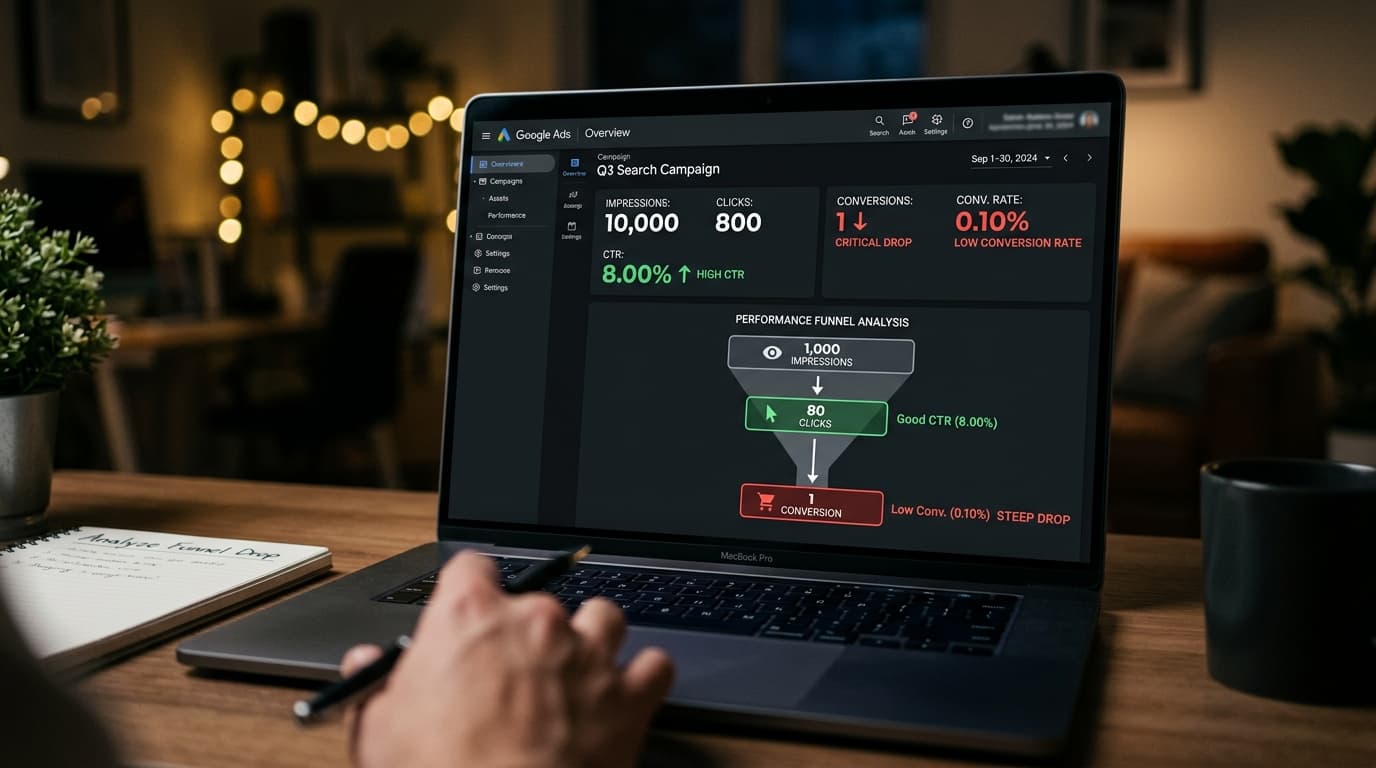
High CTR with near-zero conversions means your ad is working and your landing page isn't. The click tells you the headline resonated. The failure to convert tells you something broke between the click and the CTA. This is a different problem from low CTR (ad copy problem) — and it has a different set of fixes.
Is the conversion tracking actually working?
Before diagnosing the landing page, verify your conversion tracking is firing correctly. Install the Google Tag Assistant Chrome extension and complete the conversion flow (fill out and submit your demo form) — verify the conversion tag fires on the thank-you page. Check Google Ads → Conversions → look for "Recording conversions" status. If tracking isn't firing, you may be getting conversions you can't see — not zero conversions, just unmeasured ones. Confirm tracking works before spending time on landing page changes.
Is the landing page matching the ad's promise?
The number one cause of post-click dropoff: the landing page doesn't deliver what the ad promised. If your ad says "Book a Demo — See How It Works" and the landing page is your generic homepage, you've created a discontinuity. The visitor expected to land on a demo booking page. They landed on your marketing site. They leave. The fix: every ad group should land on a page that directly extends the ad's specific promise — same headline, same offer, immediate path to conversion.
Is there too much friction between landing and converting?
Count the steps between clicking the ad and completing the conversion. Every additional step loses a percentage of visitors. A landing page that requires: scroll to find the CTA, click to another page, fill in 8 form fields, verify email before booking — will convert at a fraction of the rate of a page with: visible CTA above the fold, 3-field form (name, email, company), immediate calendar booking. Remove every unnecessary step. The minimum viable conversion flow is: ad click → headline that matches ad → CTA above the fold → 3-field form → done.
Is the offer matching the traffic's intent?
High CTR on keywords like "CRM software comparison" with zero conversions on a "Book a Demo" CTA suggests an intent mismatch. Someone comparing CRMs isn't ready to book a demo — they're still in research mode. They clicked because the ad looked relevant. They didn't convert because the offer asked for too much commitment at the wrong stage. For research-intent traffic, offer a lower-commitment CTA: "Download Comparison Guide," "See Pricing," "Watch Product Tour." Reserve demo CTAs for high-intent keywords like "CRM for [specific use case]" where the user is closer to a buying decision.